CyberScore
Comprehensive Security Assessment Tool
Your comprehensive security assessment tool for Windows and Mac. CyberScore is meticulously designed to analyse key security measures on your device, delivering critical insights and recommendations to bolster your system's security.
Perform 1-click hardening in accordance with ACSC's Essential Eight framework and NZ NCSC CS-CMM (Levels 1-4).
Application Whitelisting
Control which applications can run on your systems
Office Macro Security
Secure Office macros against malicious content
PowerShell Security
Harden PowerShell execution policies
1-Click Hardening & Undo
Instantly apply or revert security configurations
Comprehensive Reports
Detailed security assessment reports
Security Framework Aligned
ACSC Essential Eight and NZ NCSC CS-CMM (Levels 1-4) compliance reporting
Linux Interactive Installer
Run this one-liner as root to download, install, and configure CyberScore interactively:
curl -fsSL https://cyberautomation.com.au/CyberScore/scripts/cyberscore-linux-install.sh | sudo bash
Supports Debian/Ubuntu (.deb), RHEL/Fedora/CentOS/Amazon Linux (.rpm), and direct binary for any distro.
Did You Know?
CyberScore offers unpackaged Linux binaries perfect for DevOps and CI/CD pipelines. These standalone executables enable seamless integration into your automation workflows, including Kubernetes deployments, for Essential 8 Auditing and security Hardening as part of your continuous integration and delivery processes.
Standalone Binaries for CI/CD
Ideal for containerized environments, automated testing, and infrastructure-as-code deployments.
Control CyberScore via the CLI (Essential 8 as Code)
Automate security assessments and hardening in your CI/CD pipelines using these command-line operations:
Run Security Assessment
./CyberScore /licensekey YOUR_KEY /score
Evaluates system security posture and outputs JSON results for SIEM integration
Optional Parameters
/report [framework] - Download PDF report (frameworks: asd_e8, nzncsc, swiss_ikt, ncsb, sg_ce, kami, iso27001, combined)/reportpath <path> - Custom output path for report/noreport - Skip report download prompt/nocve - Skip waiting for CVE processing
Discovery Mode Start Here
sudo ./CyberScore /licensekey YOUR_KEY /discover
Scans for potential compatibility issues without making any changes. Identifies executables that would be blocked and shows whitelisted directories.
What Discovery Mode Does
Windows: Shows which directories will be allowed/blocked by AppLocker
macOS: Explains Gatekeeper signature and notarization requirements
No system changes are made - safe to run anytime
Apply Security Hardening (Audit Mode) Step 2
sudo ./CyberScore /licensekey YOUR_KEY /secure-audit
Applies hardening in audit mode - logs policy violations without blocking. Ideal for testing before enforcement.
Staged Hardening Approach
Stage 0: Run discovery to identify potential issues (no changes made)
sudo ./CyberScore /licensekey YOUR_KEY /discoverShows at-risk executables and whitelisted directories
Stage 1: Apply hardening with blocklist in audit mode
sudo ./CyberScore /licensekey YOUR_KEY /secure-audit /blocklist-auditThis logs all policy violations without blocking any applications
Stage 2: Review logs for any flagged legitimate applications
Windows: Event Viewer > Applications and Services > Microsoft > AppLocker
Linux:
journalctl -u fapolicyd or /var/log/fapolicyd-access.logRun
/score to check current security posture before proceedingStage 3: Apply full hardening with blocklist in enforcing mode
sudo ./CyberScore /licensekey YOUR_KEY /secure /blocklist-enforceThis actively blocks unauthorized applications and LOLBins/GTFOBins
Optional: Add driver blocklist (Windows only)
sudo ./CyberScore /licensekey YOUR_KEY /secure /blocklist-enforce e8-ml2 /driverblocklistNote: macOS Gatekeeper only supports enforcing mode (audit mode not available)
Apply Security Hardening (Enforcing Mode) Step 3
sudo ./CyberScore /licensekey YOUR_KEY /secure
Applies hardening in enforcing mode - actively blocks unauthorized applications via AppLocker (Windows) or fapolicyd (Linux)
Optional Parameters & Examples
/blocklist-enforce [level] - Enable blocklist in ENFORCE mode (actively blocks)Levels:
safe (high severity only), standard (high+medium), e8-ml2 (all severities)Covers: Windows LOLBins, macOS LOOBins, Linux GTFOBins
/driverblocklist - Enable vulnerable driver blocklist (Windows only)Linux-Specific Options:
/trust-path <path> - Add directory to fapolicyd trust database (can be used multiple times)Examples:
Basic hardening with blocklist (safe level - high severity only):
sudo ./CyberScore /licensekey YOUR_KEY /secure /blocklist-enforceFull Essential 8 ML2 compliance - Linux/macOS (all severity levels):
sudo ./CyberScore /licensekey YOUR_KEY /secure /blocklist-enforce e8-ml2Full Essential 8 ML2 compliance - Windows (includes vulnerable driver blocklist):
CyberScore.exe /licensekey YOUR_KEY /secure /blocklist-enforce e8-ml2 /driverblocklistLinux: Whitelist a custom directory:
sudo ./CyberScore /licensekey YOUR_KEY /secure /trust-path /home/user/.local/binLinux: Whitelist multiple directories (use /trust-path for each):
sudo ./CyberScore /licensekey YOUR_KEY /secure /trust-path /opt/myapp /trust-path /home/user/bin
Revert Security Changes
sudo ./CyberScore /licensekey YOUR_KEY /undo
Reverts all hardening changes to restore original system configuration
Note: The /secure, /secure-audit, and /undo actions require administrator privileges (sudo on Linux/macOS).
See CyberScore in Action
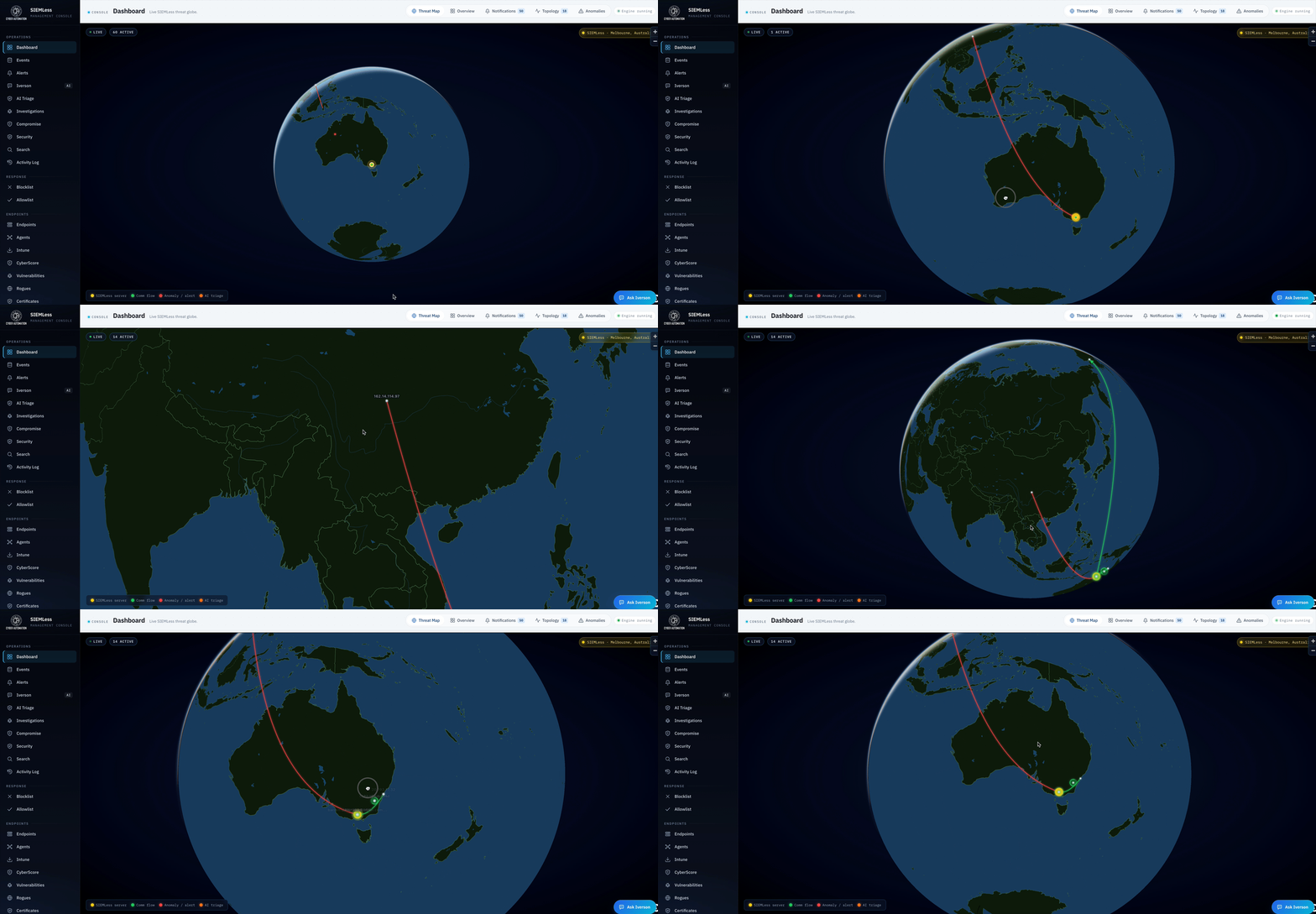
Unify CyberScore with SIEMLess